Events Near Me - [HACK-R-PLAY]
![Events Near Me - [HACK-R-PLAY]](https://cdn.hashnode.com/res/hashnode/image/unsplash/SyYmXSDnJ54/upload/v1667208446125/xqqkmHCcd.jpeg)
I'm a DevOps Engineer with a passion for exploring emerging technologies and turning innovative ideas into practical, scalable systems with a foundation in automation, CI/CD, cloud infrastructure, and containerization.
Areas of Interest: 🔧 CI/CD Pipelines | ☁️ Cloud Platforms | 🐳 Containers & Orchestration (Docker, Kubernetes) | 🧪 Infrastructure as Code | 🔍 Monitoring & Observability | 🧠 Emerging Tech & Innovation
Events Near Me is my idea submission for HACK-R-PLAY.
MOTIVATION
- I often find it hard to consolidate events happening around me
- Although, I can always visit several event platforms, there's no one place that gets all the information
- Being able to filter events based on interests, preference, location would be beneficial for folks to quickly decide on how they would like to spend their time and in which events.
INITIAL STEPS
- Creation of project on Nhost
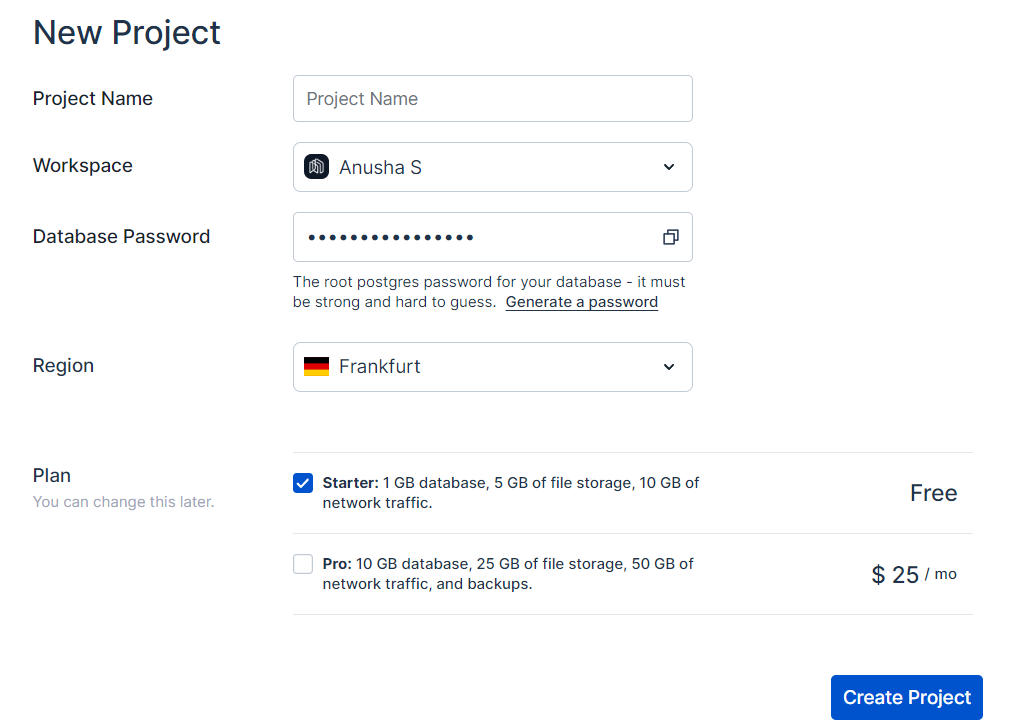
- Follow quick start guide from the official Nhost documentation. I used their starter code too! Very smooth and you can easily build on it.
SETUP
- Create Next.js App from the starter code
npx create-next-app events-retreat --example "https://github.com/nhost/quickstart-nextjs" - Install required npm packages
npm install @nhost/react @nhost/nextjs graphql npm install @nhost/react-apollo @apollo/client - Update environment details
NEXT_PUBLIC_NHOST_SUBDOMAIN=[subdomain]
NEXT_PUBLIC_NHOST_REGION=[region]
Enable Github based Authentication from Nhost
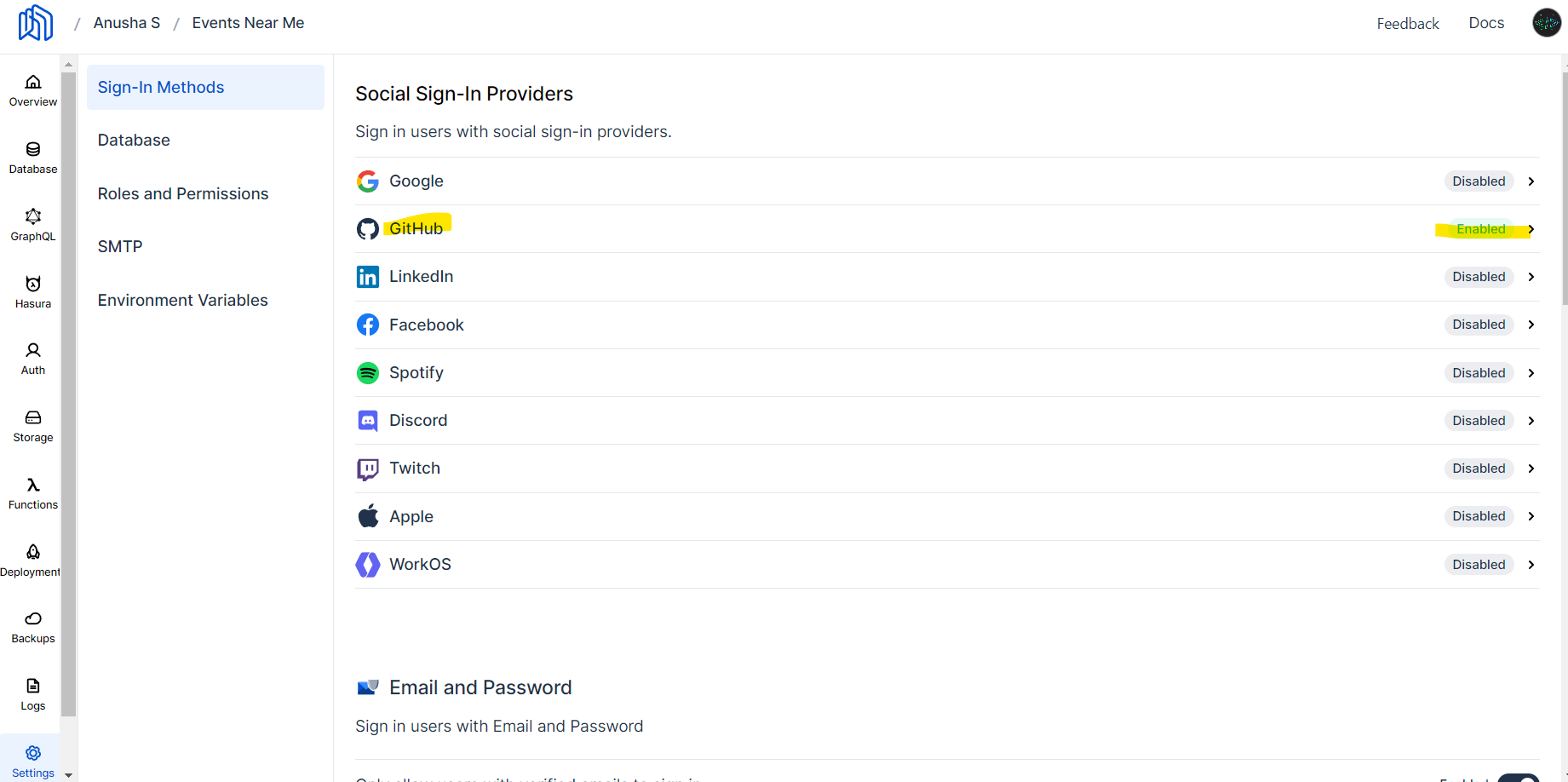 Add the application to OAuth Apps from Develop settings on your Github profile:

Plugin all the pieces within the code - NhostProvider, ApolloProvider, Authentication. I simply followed the instructions listed on official Nhost documentation
For loading the Data to my events table, I made used of Hasura Engine's mutations to insert data and queries to fetch the data.
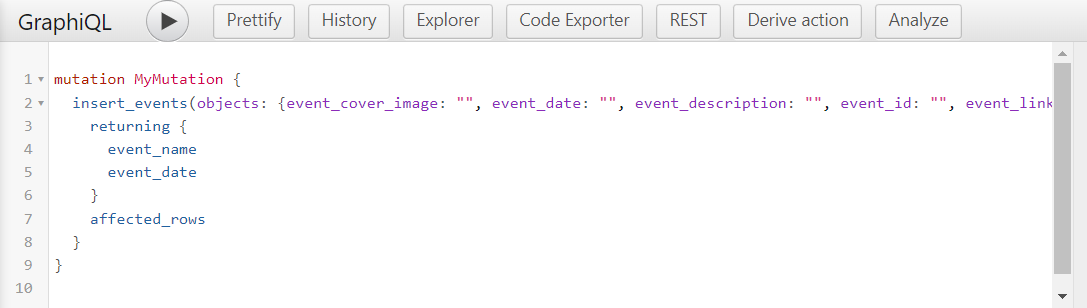 Note: You will have to update permissions for new users to be able have write permissions selectively.
I referred a few videos that I would like to share:
Thank you Tapas Adhikary and Koustov for doing ReactPlay Live: Knowing Nhost
EXPERIENCE
I had an awesome time building this app. Although, this project has a lot more work to be done, I'm glad that ReactPlay team conducted this HACK-R-PLAY, I got to be more familiar with Nhost and Next.js. I am completely new to React and Next.js, but Nhost's starter code made it easy for me to build upon.
Many thanks to the ReactPlay and Nhost team for this opportunity. Congratulations to all the winners 🎉🎉🎉🎉🎉!